01
See the service at a glance
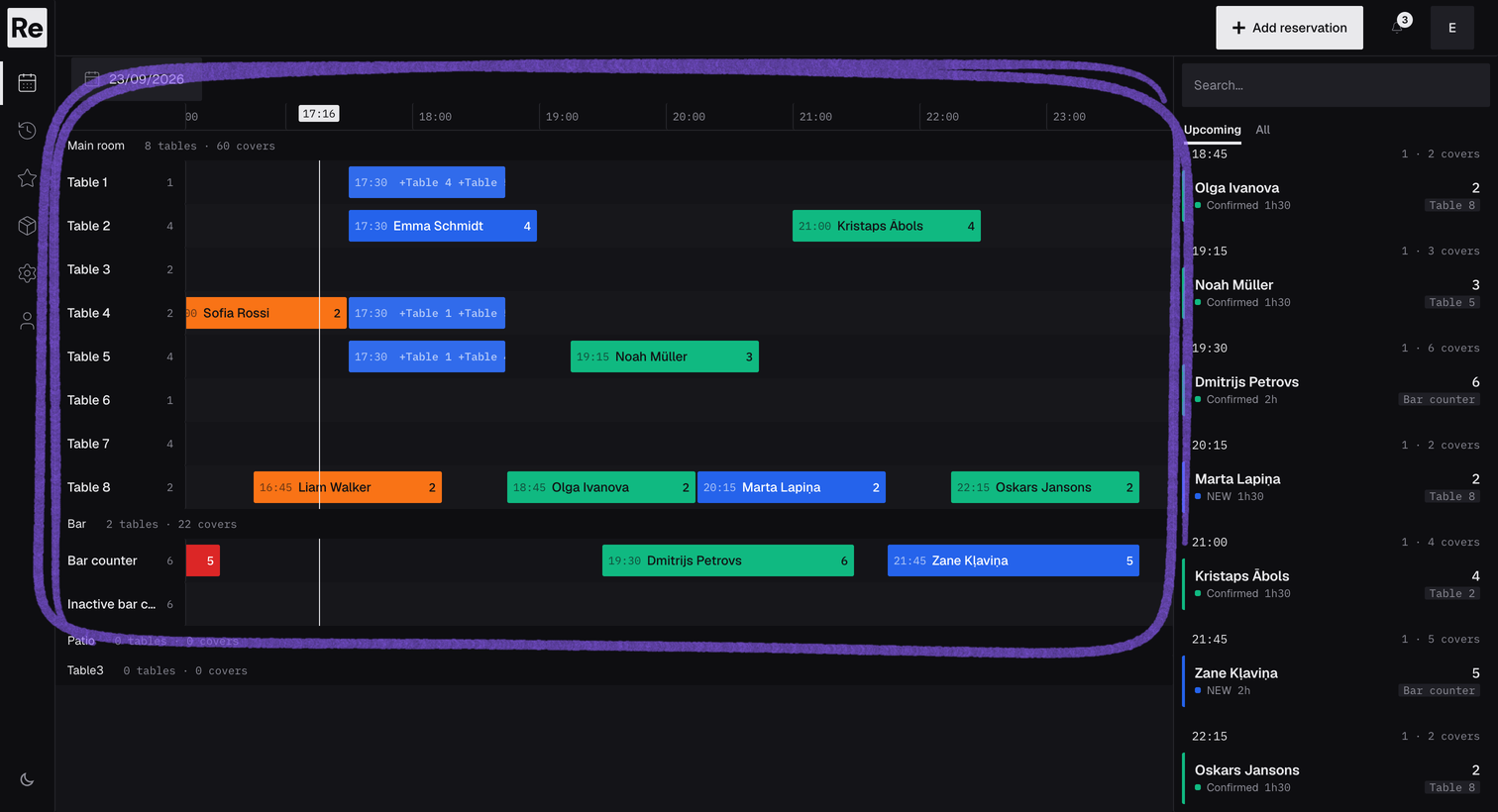
Open the reservation view to see parties, times, status, and table placement together.
RESERVATIONS AND TABLES
Take online reservations, add phone bookings and walk-ins, and place every party at a table your whole team can see.
Start free trialREAL PRODUCT SCREENS
These are working Reseffi screens using fictional test data—not concept mockups. Follow a reservation from the service view through its details, table setup, and website widget setup.
Open the reservation view to see parties, times, status, and table placement together.
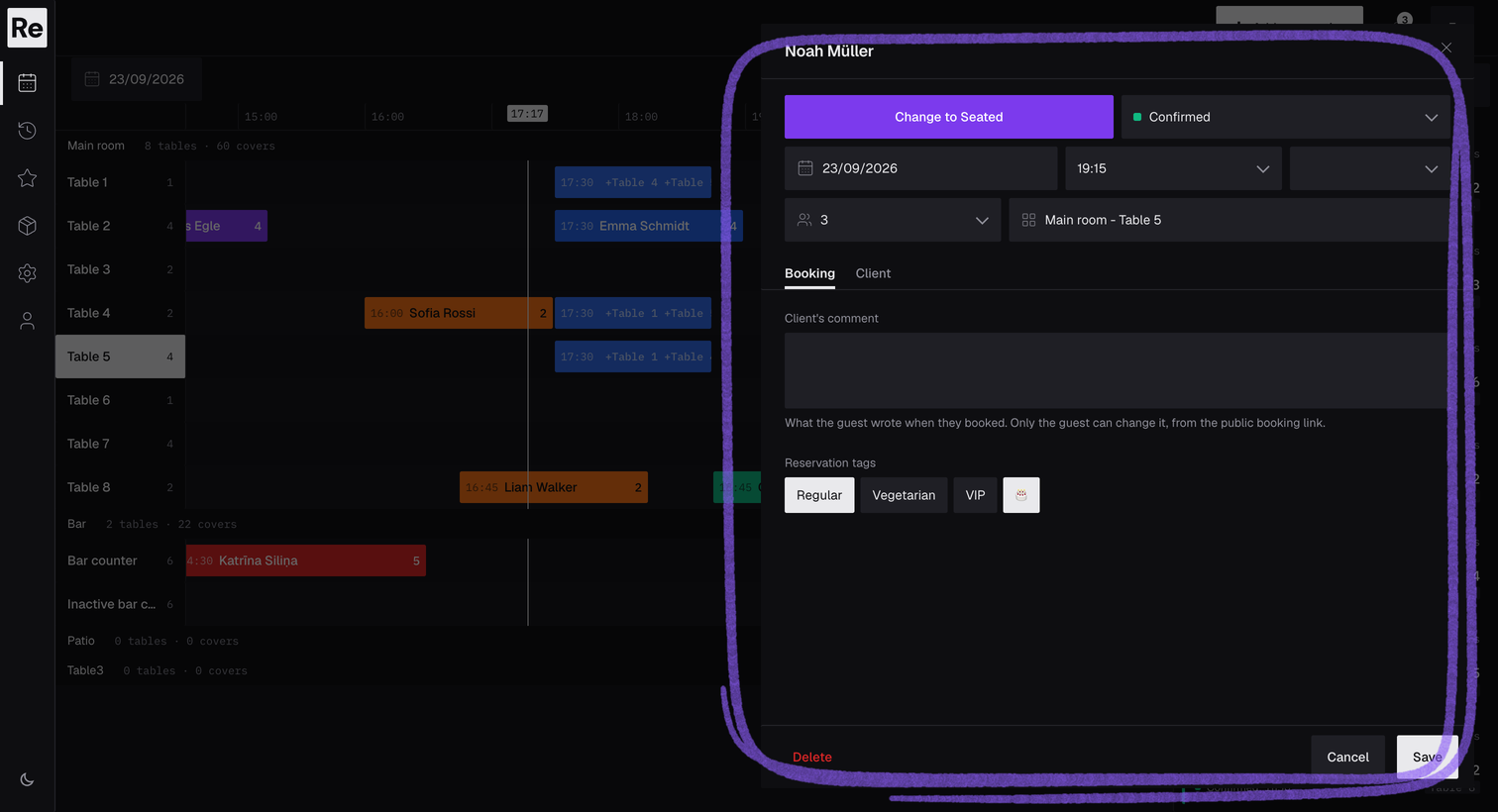
Open a reservation to manage its status, time, duration, party size, notes, tags, and guest details.
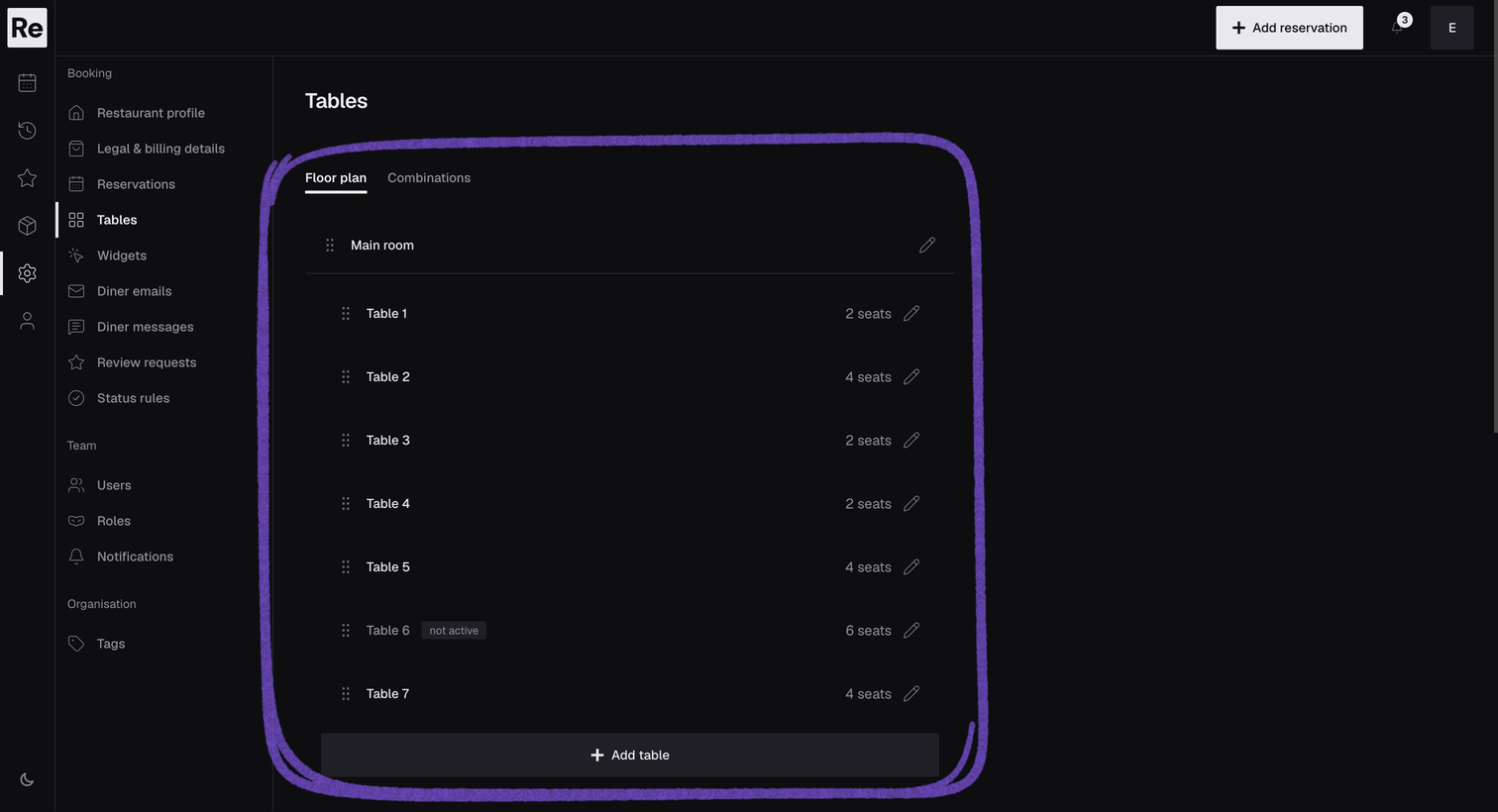
Create dining areas and tables so the team has a shared structure for placing reservations.
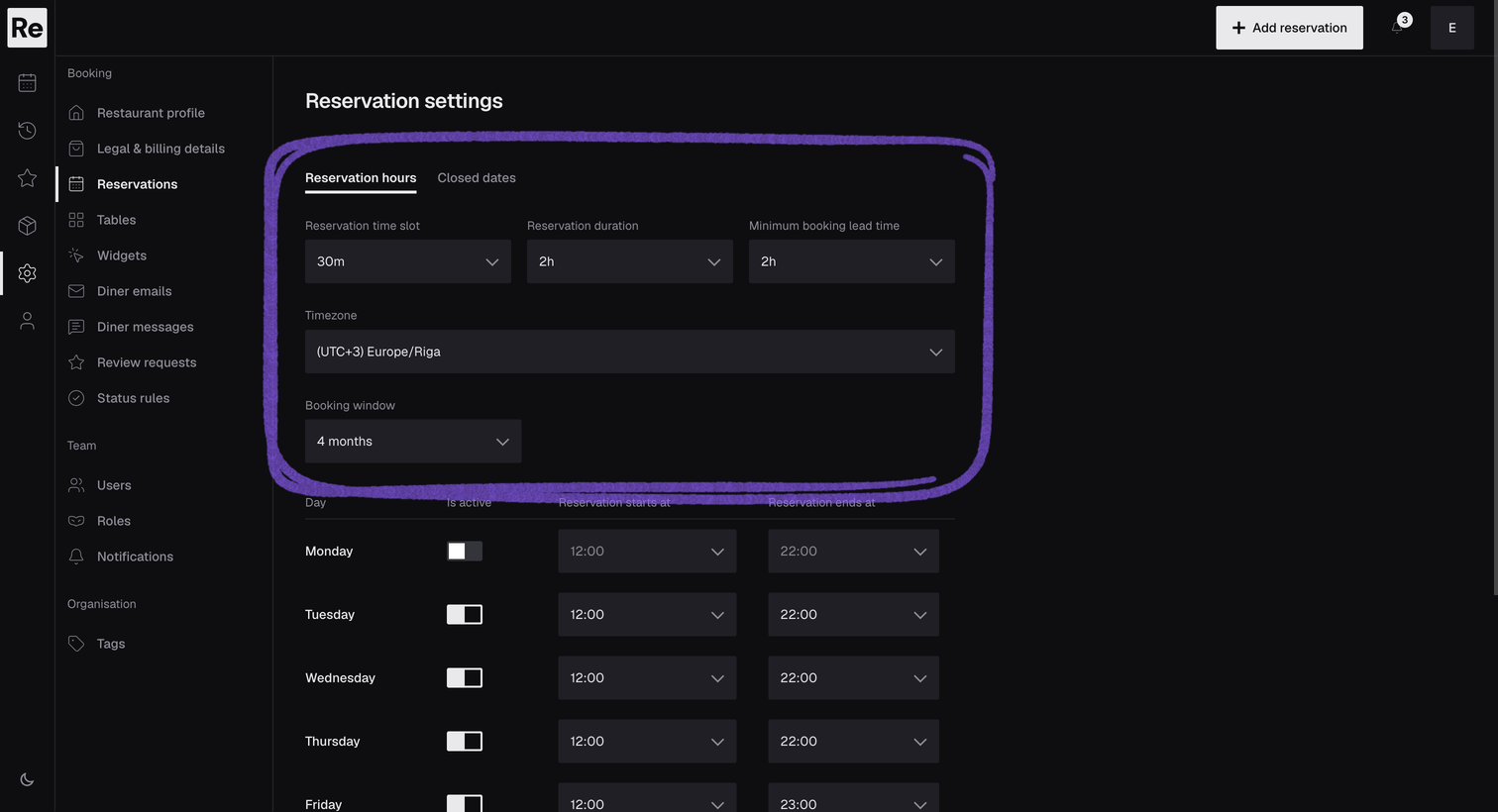
Set reservation hours, slot length, booking duration, lead time, timezone, and closed dates before opening bookings.
One list carries the day, from the first check before service to the last walk-in.
The host opens the reservation view and sees parties, times, status, and table placement together.
A phone booking goes into the same list as the online reservations.
The team updates each reservation’s status, and walk-ins are added alongside online bookings.
Add the Reseffi booking widget to your website or share its direct link. Guests can request a table, receive booking emails, and use their secure link to change or cancel a reservation.
FAQ
Yes. Staff can create reservations in the dashboard and manage them alongside online bookings.
Yes. Booking emails use a secure link that lets the guest open the reservation flow and make the available change or cancellation.
Yes. Set opening hours and closed dates, and online booking offers only the times you allow.
Tell us how you handle bookings today. We normally reply within 24 hours and tailor the walkthrough to your setup.
Book a demo